當您準備將手上的 Google Pixel 8 或 Pixel 9 轉手變現時,最害怕的不是賣不到好價格,而是「資料沒清乾淨」或是「手機被鎖死」。Android 系統有一項稱為 FRP (Factory Reset Protection) 的安全機制,若您未正確登出 Google 帳號就強制重置,手機將會變成一塊磚頭,下一位買家完全無法使用。為了避免交易糾紛,我們建議您前往專業的台中手機回收中心之前,先在家完成以下標準作業。
When you are ready to sell your Google Pixel 8 or Pixel 9 for cash, the biggest fear is not getting a good price, but “data not wiped clean” or “phone getting locked”. The Android system has a security mechanism called FRP (Factory Reset Protection). If you force a reset without logging out of your Google account correctly, the phone will turn into a brick, and the next buyer will not be able to use it at all. To avoid transaction disputes, we recommend that you complete the following standard procedures at home before going to a professional Taichung phone recycling center.
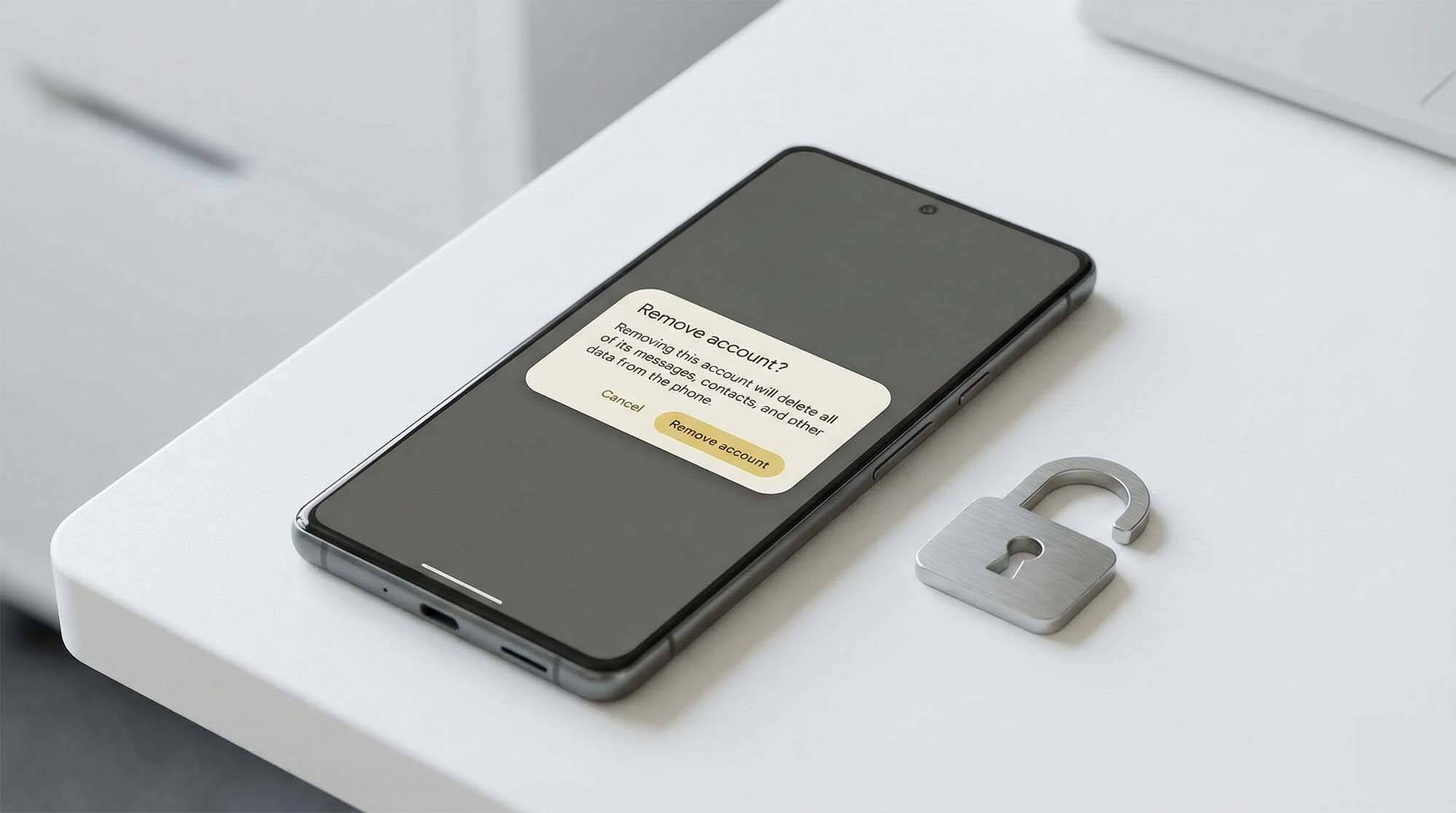
什麼是 FRP 鎖定?為什麼它很重要? (What is FRP?)
FRP 是 Google 為了防止手機遺失或被盜後遭到惡意重置而設計的保護鎖。簡單來說,如果沒有先移除帳號就恢復原廠設定,系統會認定這是「非正常操作」,重開機後會要求輸入原本那組 Google 帳號密碼才能啟用。這對於收購商來說是致命的,因為我們無法聯絡您來解鎖,這支手機就等於報廢。
FRP is a protection lock designed by Google to prevent phones from being maliciously reset after being lost or stolen. Simply put, if you restore factory settings without removing the account first, the system will consider this an “abnormal operation” and will require the original Google account password to activate after rebooting. This is fatal for buyers because if we can’t contact you to unlock it, the phone is essentially scrapped.
正確步驟一:移除 Google 帳號 (Remove Account)
這是最關鍵的一步,必須在重置之前做。
操作路徑:設定 (Settings) > 密碼與帳號 (Passwords & accounts) > 點選您的 Google 帳號 > 點擊「移除帳戶 (Remove account)」。
若您有多個帳號,請務必全部移除。完成此步驟後,FRP 機制就會自動解除。
This is the most critical step and must be done before resetting.
Operation Path: Settings > Passwords & accounts > Tap your Google account > Tap “Remove account”.
If you have multiple accounts, be sure to remove them all. After completing this step, the FRP mechanism will be automatically disabled.
正確步驟二:清除所有資料 (Factory Reset)
確認帳號已移除後,就可以放心地清除手機內的所有照片與應用程式。
操作路徑:設定 (Settings) > 系統 (System) > 重置選項 (Reset options) > 清除所有資料 (恢復原廠設定) (Erase all data)。
系統重新啟動後,若直接進入「你好 (Hello)」的歡迎畫面,且沒有跳出 Wi-Fi 強制連線要求,代表您已成功解鎖並清除。
After confirming that the account has been removed, you can safely erase all photos and apps in the phone.
Operation Path: Settings > System > Reset options > Erase all data (factory reset).
After the system reboots, if it enters the “Hello” welcome screen directly without popping up a mandatory Wi-Fi connection request, it means you have successfully unlocked and cleared it.
🔒 擔心操作失誤?交給專家處理
如果您覺得上述步驟太複雜,或者擔心自己沒有清乾淨,請不要冒險自行處理。
青蘋果 3C 提供軍規級的 專業資安清除 服務,我們會在您面前執行標準化 SOP,確保資料 100% 抹除且不觸發鎖定,保障雙方權益。
If you find the above steps too complicated, or worry that you haven’t cleaned it thoroughly, please don’t risk doing it yourself.
GreenApple 3C provides military-grade professional data wiping services. We will execute standardized SOP in front of you to ensure 100% data erasure without triggering locks, protecting the rights and interests of both parties.